
How Wachat Helps Businesses Manage WhatsApp Conversations from One Dashboard
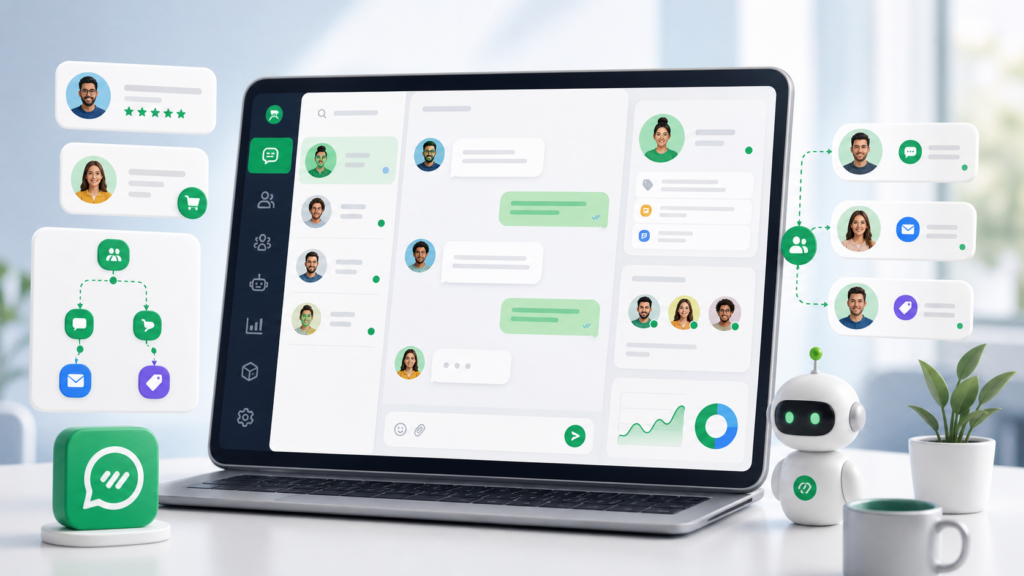
How Wachat Helps Businesses Manage WhatsApp Conversations from One Dashboard
For many businesses, WhatsApp is one of the most important customer communication channels. Customers use it to ask questions, confirm orders, request support, check payment status, and follow up on services.
But as the number of conversations grows, managing WhatsApp manually can become difficult. Messages can be missed, customers may wait too long, and teams may struggle to know who is handling each conversation.
Wachat helps businesses bring WhatsApp conversations, customer contacts, automation, and integrations into one organized dashboard.
Why Managing WhatsApp Manually Becomes Difficult
Using WhatsApp directly may work when a business only has a few customers. But as the business grows, several problems can appear:
– Too many conversations in one place
– No clear team assignment
– Slow response time
– Repeated customer questions
– Difficult message tracking
– No simple workflow for follow-ups
– Limited visibility into team activity
– Hard to connect conversations with orders or customer records
When customer communication becomes busy, businesses need a more structured way to manage conversations.
What Is a WhatsApp Conversation Dashboard?
A WhatsApp conversation dashboard is a central place where businesses can view, organize, and respond to customer messages.
Instead of relying only on one phone, a dashboard helps teams manage communication more professionally.
With Wachat, businesses can use a shared workspace to manage customer conversations, contacts, and messaging workflows.
How Wachat Helps Manage WhatsApp Conversations
Wachat is designed to help businesses improve customer communication through WhatsApp messaging, automation, APIs, and integrations.
Here are some ways Wachat can help.
1. Centralize Customer Conversations
Wachat helps businesses manage WhatsApp conversations from one dashboard. This makes it easier for teams to see customer messages and respond in a more organized way.
A centralized dashboard helps reduce missed messages and gives teams better visibility into ongoing conversations.
2. Organize Customer Contacts
Customer communication becomes easier when contacts are organized.
Wachat helps businesses manage customer contact information, making it easier to identify who the customer is and understand the context of the conversation.
This is useful for sales teams, support teams, e-commerce stores, agencies, and service businesses.
3. Improve Team Collaboration
When more than one person handles customer communication, teams need a clear workflow.
Wachat helps teams work together by keeping conversations accessible in one workspace. This helps reduce confusion and makes it easier to manage customer replies.
Team-based communication can improve response time and create a better customer experience.
4. Automate Repetitive Replies
Many customer questions are repeated every day.
Examples include:
– What are your business hours?
– How can I make payment?
– Where is my order?
– How do I book a service?
– Can I speak with support?
Wachat can help businesses automate common workflows and reduce repetitive manual replies.
Automation helps teams save time while still giving customers quick responses.
5. Connect Conversations with Business Tools
Customer conversations are more useful when connected with business systems.
Wachat can support integrations with platforms such as:
– WooCommerce
– WordPress
– Botble CMS
– WHMCS
– Webhooks
– Custom APIs
– Internal systems
This helps businesses connect WhatsApp communication with order updates, payment reminders, customer data, and other workflows.
6. Use APIs for Flexible Messaging Workflows
Developers can use Wachat APIs to build custom workflows from their own systems.
For example, a business can use Wachat APIs to:
– Send customer updates
– Trigger notifications from an external app
– Create custom support workflows
– Connect internal tools with WhatsApp
– Receive webhook events
– Manage contacts and messaging activity
This makes Wachat useful for both dashboard users and technical teams.
Benefits of Using Wachat as a WhatsApp Dashboard
Using Wachat as a WhatsApp dashboard can help businesses:
– Respond to customers faster
– Reduce missed messages
– Organize customer communication
– Improve support workflows
– Automate repetitive tasks
– Connect WhatsApp with business tools
– Improve team visibility
– Build better customer relationships
A better communication system can make the entire customer experience smoother.
Best Practices for Managing WhatsApp Conversations
Respond Quickly
Customers expect fast responses. A dashboard can help teams see and reply to messages more efficiently.
Keep Conversation Context
Before replying, understand the customer’s previous messages, order status, or support history.
Use Automation Carefully
Automation should help customers, not replace helpful human support. Use it for repetitive tasks and simple workflows.
Respect Customer Consent
Only send messages when you have a valid reason or customer permission.
Keep Messages Clear
Use simple, helpful language. Customers should understand the message without confusion.
Track and Improve
Review customer interactions to improve support quality and response workflows.
Who Should Use Wachat?
Wachat can be useful for:
– E-commerce stores
– Customer support teams
– Sales teams
– Digital agencies
– SaaS businesses
– Local businesses
– Service providers
– Hosting and billing providers
– Education businesses
– Businesses with multiple team members
Any business that depends on WhatsApp communication can benefit from a more organized dashboard.
Conclusion
WhatsApp is a powerful customer communication channel, but managing conversations manually can become challenging as a business grows.
Wachat helps businesses manage WhatsApp conversations, contacts, automation, APIs, and integrations from one organized dashboard.
With the right workflow, businesses can respond faster, reduce missed messages, improve customer satisfaction, and build stronger relationships through WhatsApp communication.
If your business wants a better way to manage WhatsApp conversations, Wachat can help centralize and simplify the process.